Introducing controller-grip KBM: the feel of your favorite console controller on your keyboard, made possible by the Mimic. Questions? Our Discord is below 👇
$189 · Lifetime warranty · 30-day fit or return
Join our Discord
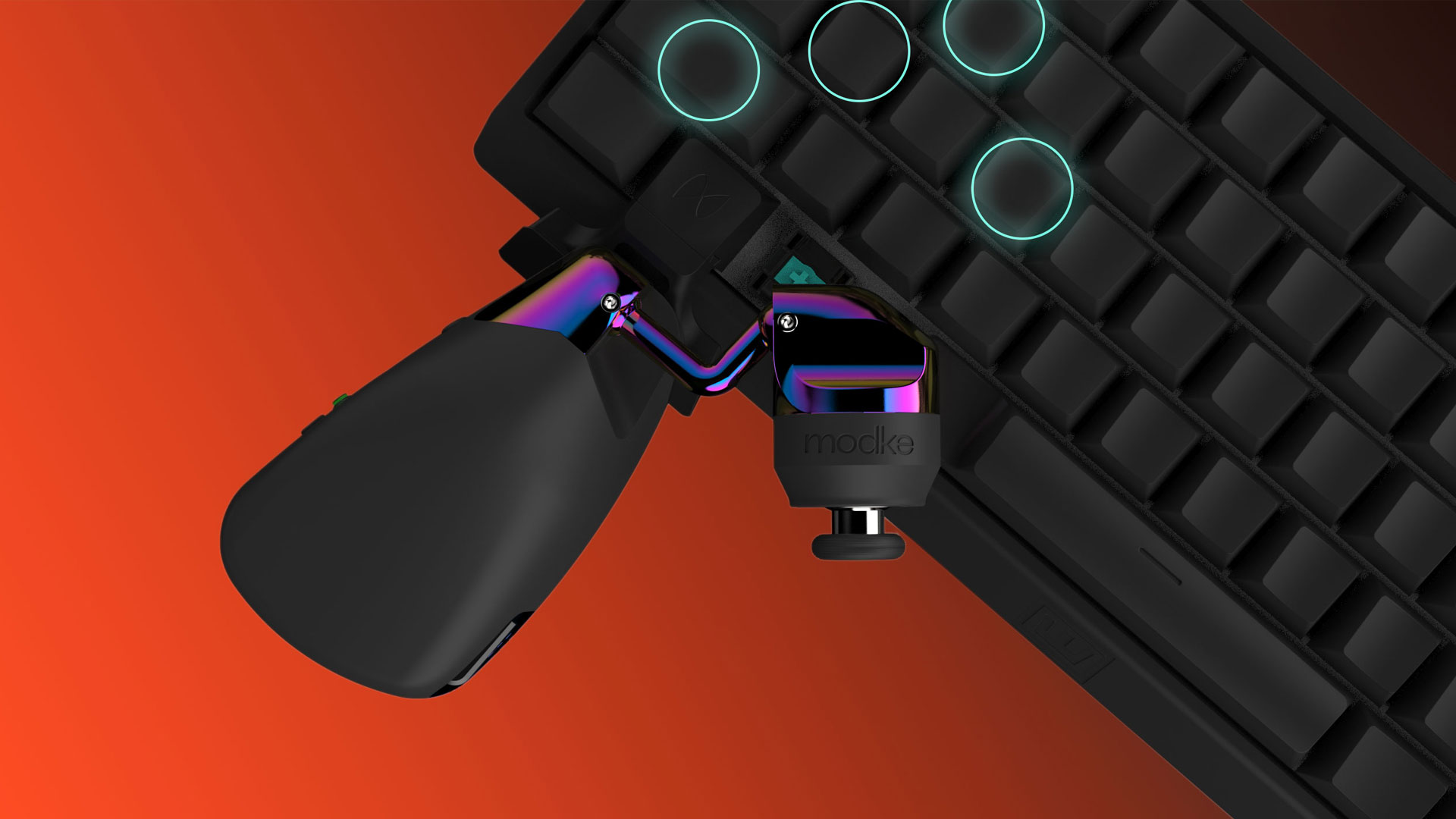
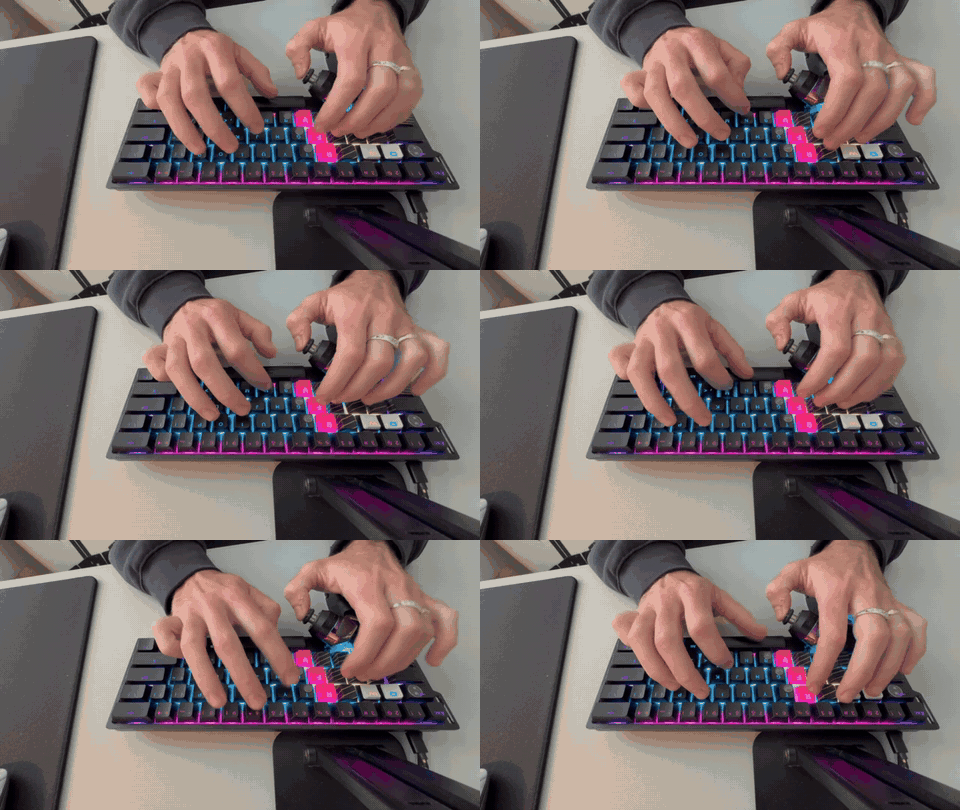
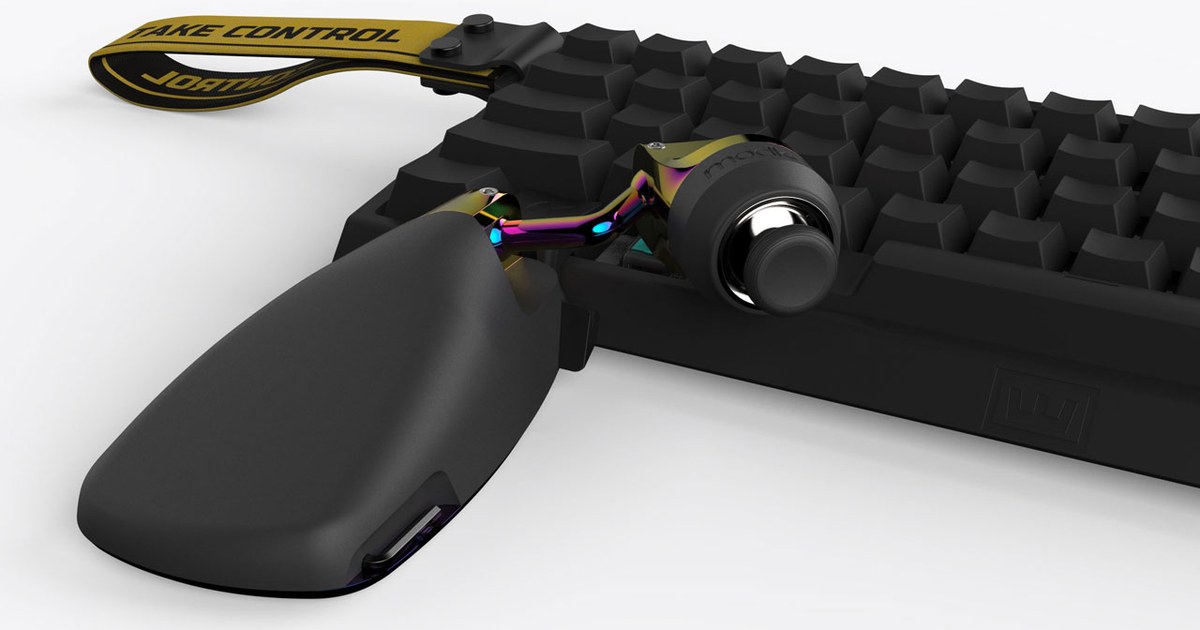
We spent years obsessing over how to pair a joystick with a keyboard so it felt as comfortable as gripping a controller. We knew the stick needed to hover above the keyboard, not below it, somewhere near the ALT key and spacebar, but every thumb is different. So we gave the Mimic a neck that moves along a precise 3D arc and locks in at exactly the right spot for any hand size. That's tip grip, and we guarantee you'll get it or we'll pay for return shipping.

We wanted a way to lock the Mimic onto your keyboard, so we hijacked the Windows key and replaced it with our own patented key that accepts custom connectors for the most popular keyboards in the pro scene. Connect it and forget it. Or don't, up to you.
Now shipping for the Wooting 60HE, 60HE v2 and Wooting Two HE. Preorders open for the SteelSeries Apex Pro and Razer Huntsman V3 series.

If a joystick mod pushes your hand too far down the keyboard and you lose your QWER or 1–5 row, it defeats the whole purpose. The Mimic is the only mod that keeps every key in reach, even for players with smaller hands. Check out our Drum Binds framework to see what to do with the keys you get back.
We know you'd never consider a keypad, but did you know the Mimic's palm rest was designed for typing too? It anchors the outer edge of your hand and keeps pressure off the center of your wrist, where the carpal tunnel is. Once you lock it into place, you'll never want to type (or play) without it.
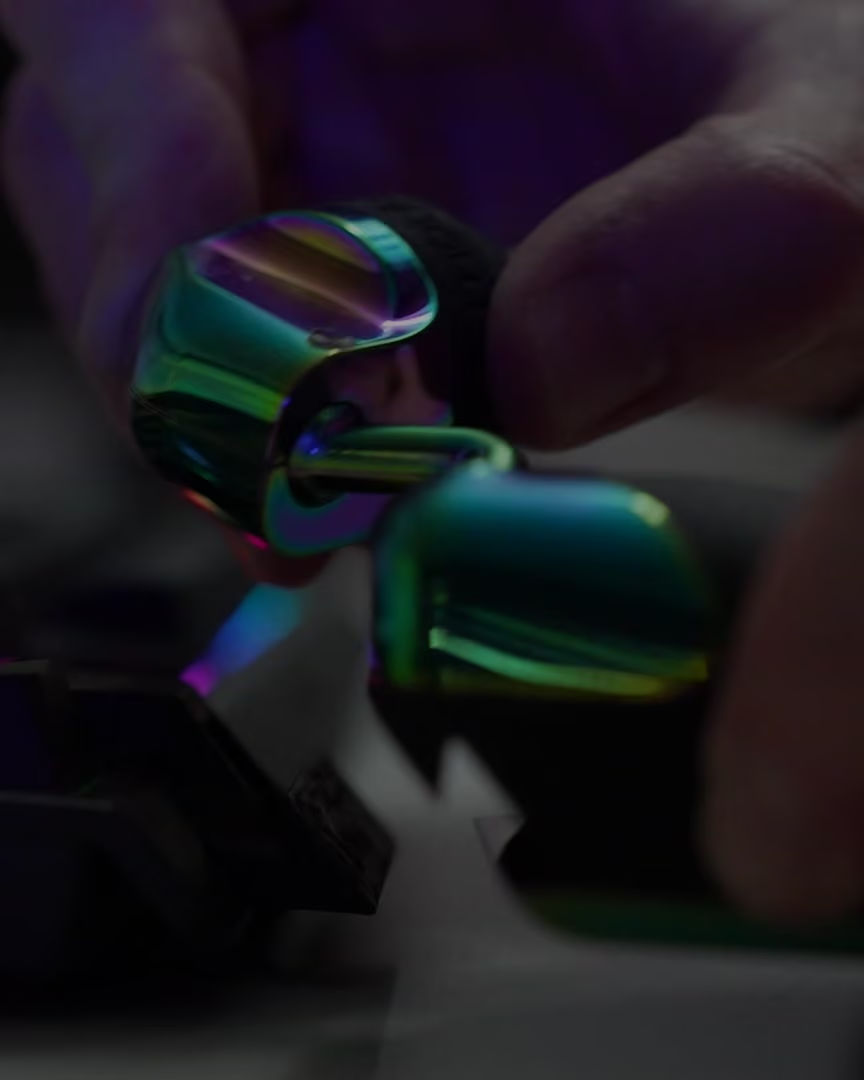
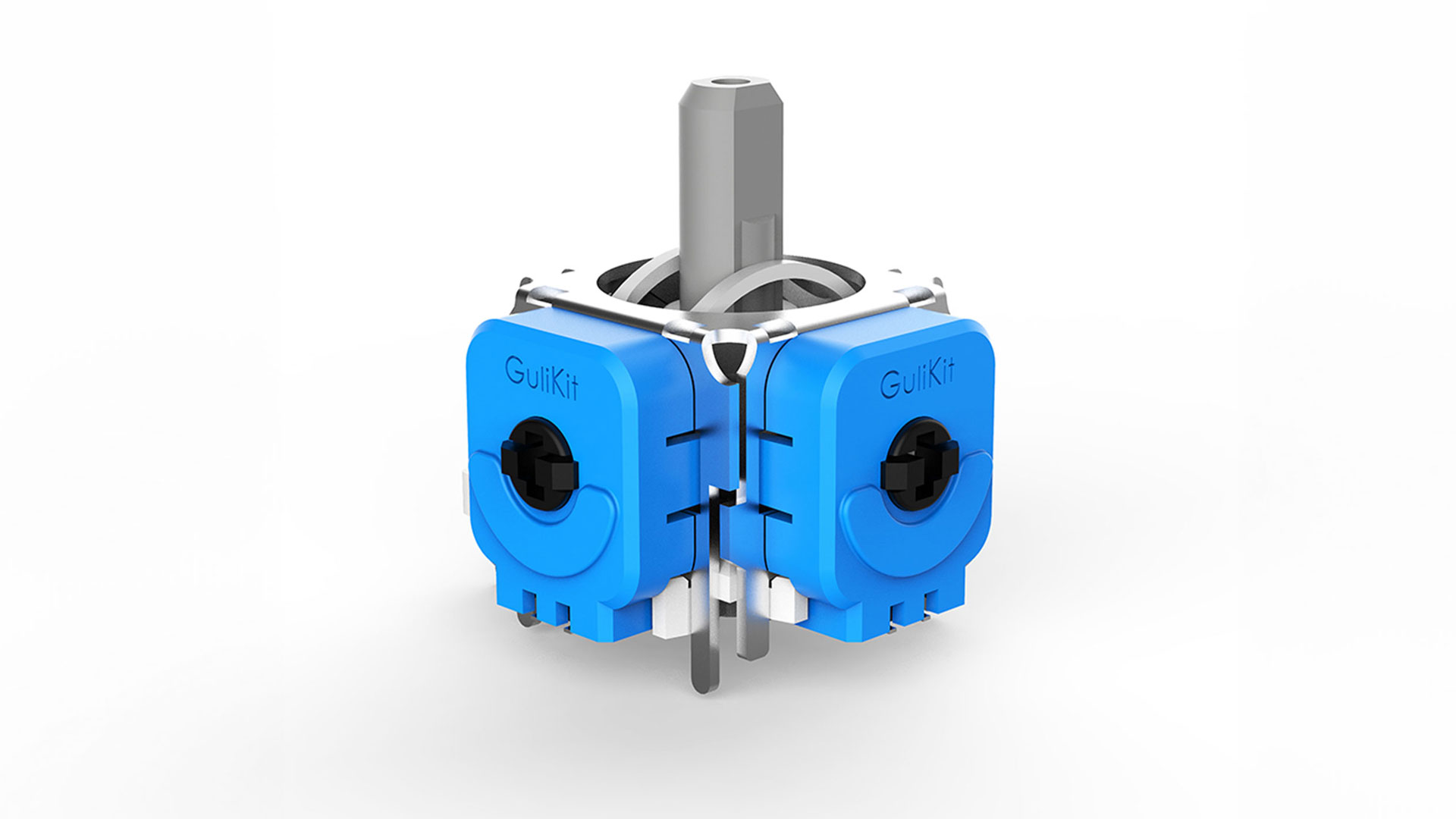
When Switch and Steam Deck owners got fed up with stick drift, they swapped to GuliKit sticks. Every Mimic uses the same GuliKit Hall effect tech: magnets replace the parts that rub and wear, so your stick stays as precise as the day you got it. Swap the thumbcaps and add Corepad PXP grips to fine-tune the feel.
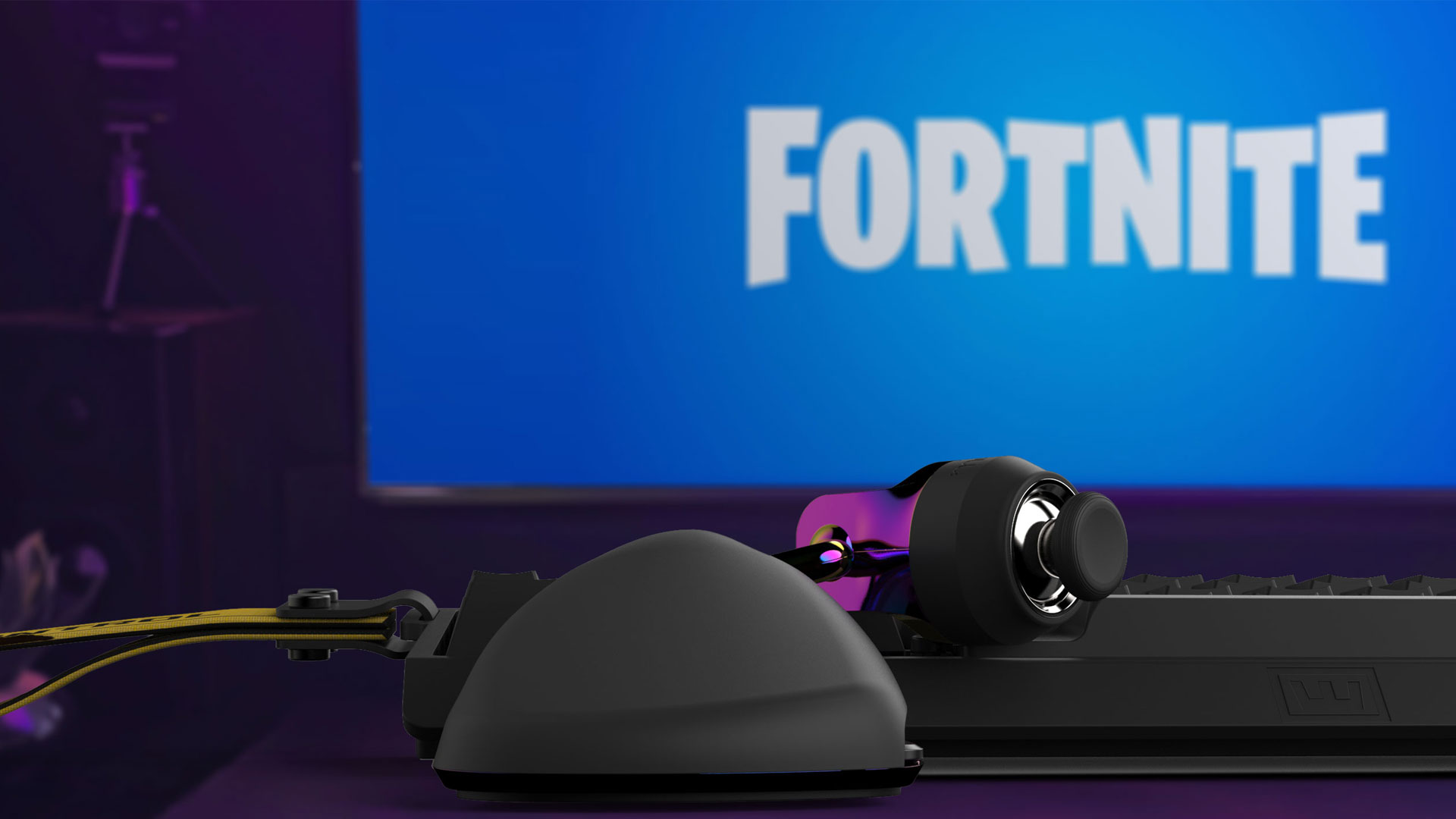
No drivers or software to install. Plug it in, adjust it until you have tip grip, and turn on "Lock Input Method as Mouse" in Fortnite's settings. That setting lets Fortnite accept the Mimic, keyboard, and mouse at the same time.
hardware overview


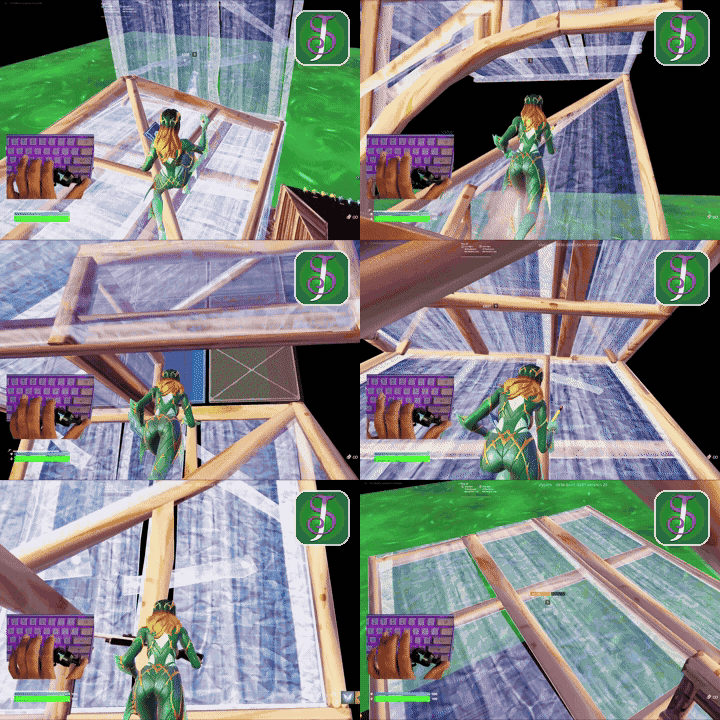
Our Discord is where Mimic players, including Sly Jack, share their setups and talk joystick settings and binds. Ask anything before you buy.
we have answers
If you’ve played on a keypad, we get why you’d ask. For us, the answer is hell no. Your thumb already knows what to do. You're not replacing your keyboard. The only real adjustment is your binds: with movement on your thumb, W, A, S and D become four free binds, and rebuilding around them takes a few days. Our Drum Binds framework in Discord is the way to go, so check it out before you buy if you’re curious.
For Fortnite, yes, and it's worth it in the long run. Binds built around WASD or other joystick mods were designed for a suboptimal hand position, so they won't take advantage of what the Mimic does. Learning new binds might take you a few days, but it's how you get the full ergonomic and performance benefit for the long haul.
The Mimic is built for players who are ready to optimize their binds. If you're not quite ready yet, hold off on purchasing and join our Discord.
Comfort is the reason the Mimic exists. It’s built to feel like gripping a controller right over your keyboard, and it adapts to your hand in a way no other gaming peripheral can:
Yes. The Mimic presents itself as a standard XInput controller, with no macros, automation or input manipulation. We intentionally left key remapping out of the Mimic’s firmware and web utility, so it stays within Fortnite’s competitive rules.
In Fortnite, you just turn on “Lock Input Method as Mouse,” the game’s own setting for using a controller stick with keyboard and mouse. You don’t get controller aim assist. It’s the same as the left stick on a controller, right over your keyboard.
Tip grip means the stick stays right under your fingerprint, even when you push it all the way forward, so your thumb tip stays in control 100% of the time, no matter what direction you’re moving.
It matters because when your controller can’t do that, it feels off, and you lose consistency and control.
If you play on a joystick or keypad, try this: push your stick all the way forward and watch your thumb.
On most keypads and joystick mods, your thumb straightens out and your fingertip comes off the cap, so you end up pushing the stick with the pad just below your fingerprint. That’s heel grip. You may have noticed it never felt quite right, but you’ve learned to live with it over the years. It’s costing you precision and consistency, like a golfer playing with poorly fitted clubs.
The Mimic keeps your thumb bent with the tip centered on the stick. That’s how joysticks were designed to be used, and it comes down to our two rules of thumb:
Every hand is different, so the Mimic adjusts until it fits yours. Think of it as finally getting your clubs fitted.
The Mimic attaches to your keyboard with a patented, model-specific connector.
Shipping now:
Available for preorder:
If you order for a SteelSeries or Razer keyboard, your Mimic ships right away with the Wooting connector and your SteelSeries or Razer connector follows free as soon as it's ready. There's no need to wait, because the Mimic is fully usable without one.
Some players even make their own connectors, whether they 3D print them or build them another way. Sly Jack built one that mounts his Mimic on the right side of his keyboard.
Don't see your keyboard? Let us know on Discord, because we're always adding support for more models.