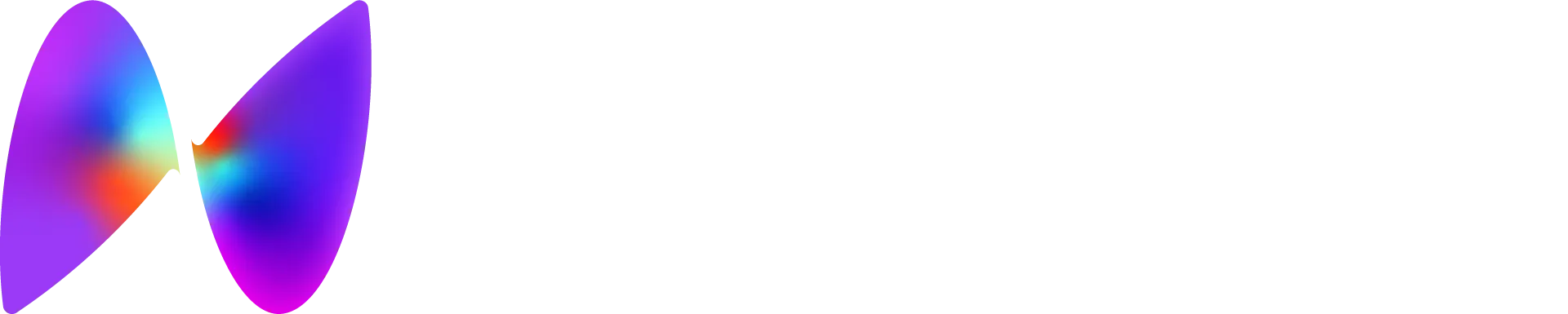

GuliKit hall-effect thumbsticks use contactless sensors to deliver long-term precision without stick drift. The thumbcaps are interchangeable and include Corepad PXP grip material, letting you fine-tune feel and traction to your preference.
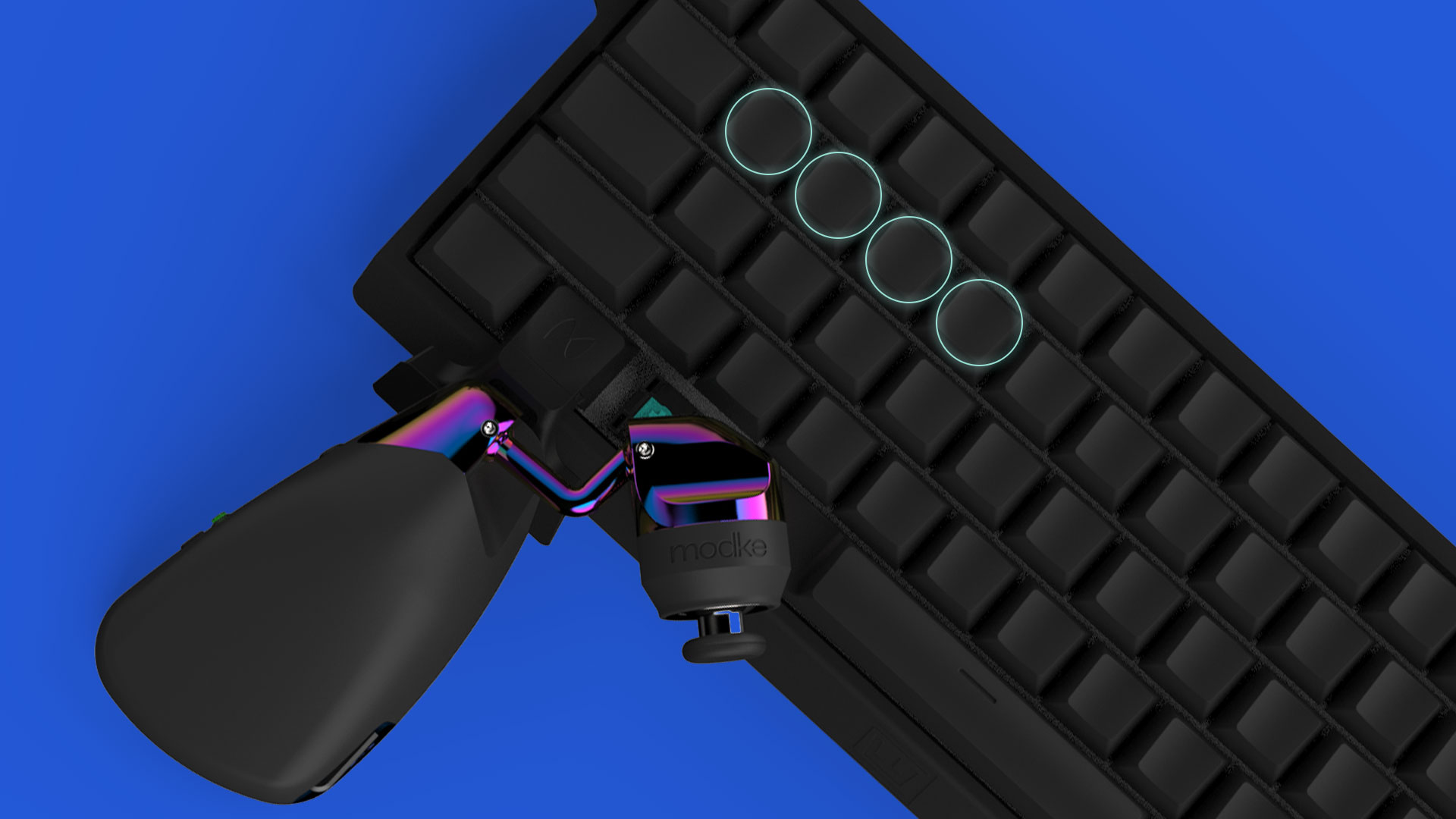
League's WASD mode takes over W, plus the A, S and D keys League uses by default for attack-move, stop and your first summoner spell, so your binds have to move. With the Mimic, movement lives on your thumb and every ability and spell stays exactly where your fingers know it.
No drivers or software to install. Plug it in, adjust it until you have tip grip, and switch League's movement setting to WASD. League instantly recognizes the Mimic as a controller.
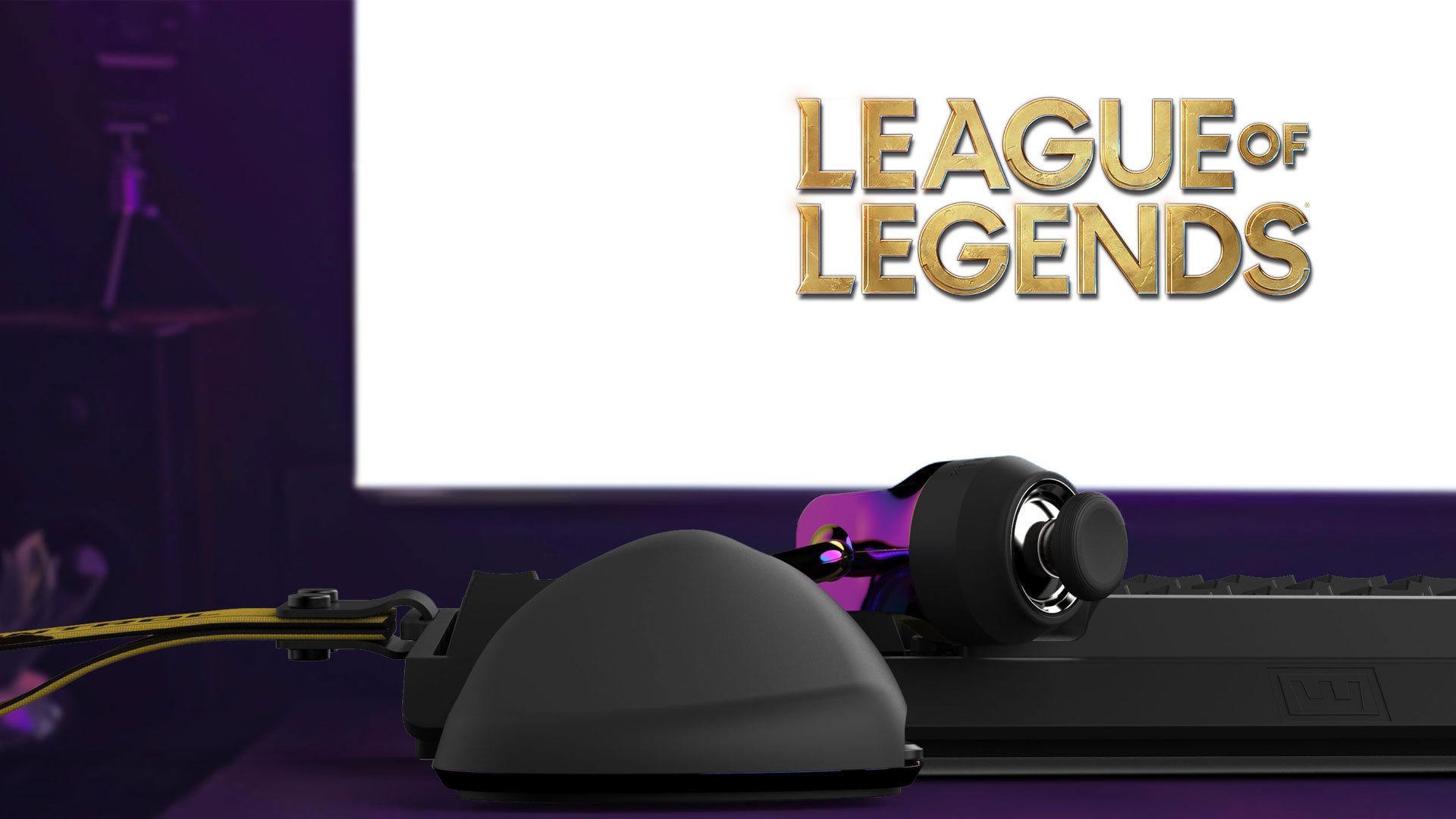
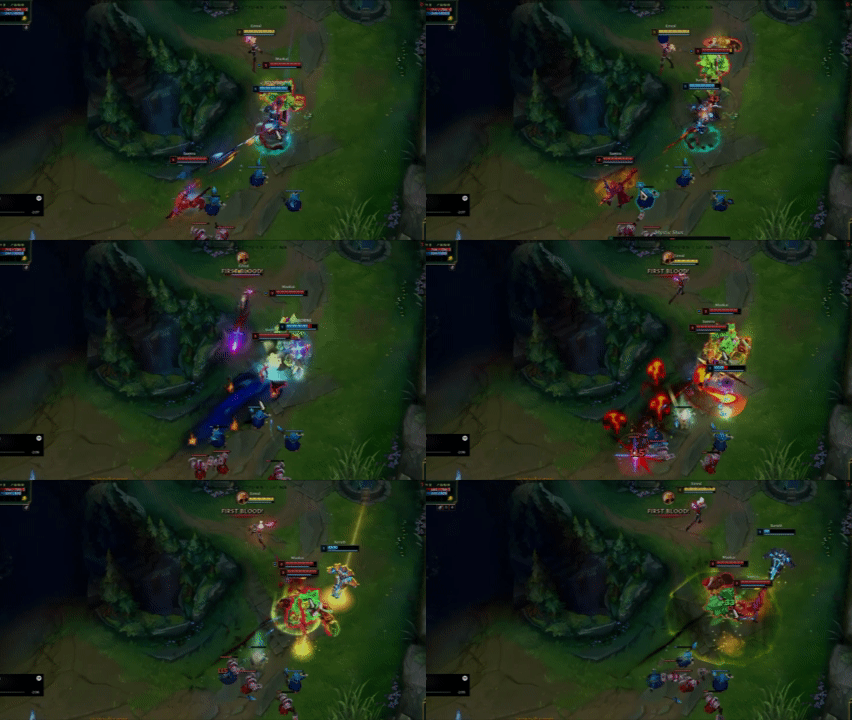
Kiting lives in tiny adjustments: a half-step back, a quick sidestep, perfect spacing. The Mimic hovers wherever your thumb wants it, so the tip of your thumb sits right on the stick for full control over every movement. Here's why thumb position matters. Get tip grip or return it within 30 days for a full refund.

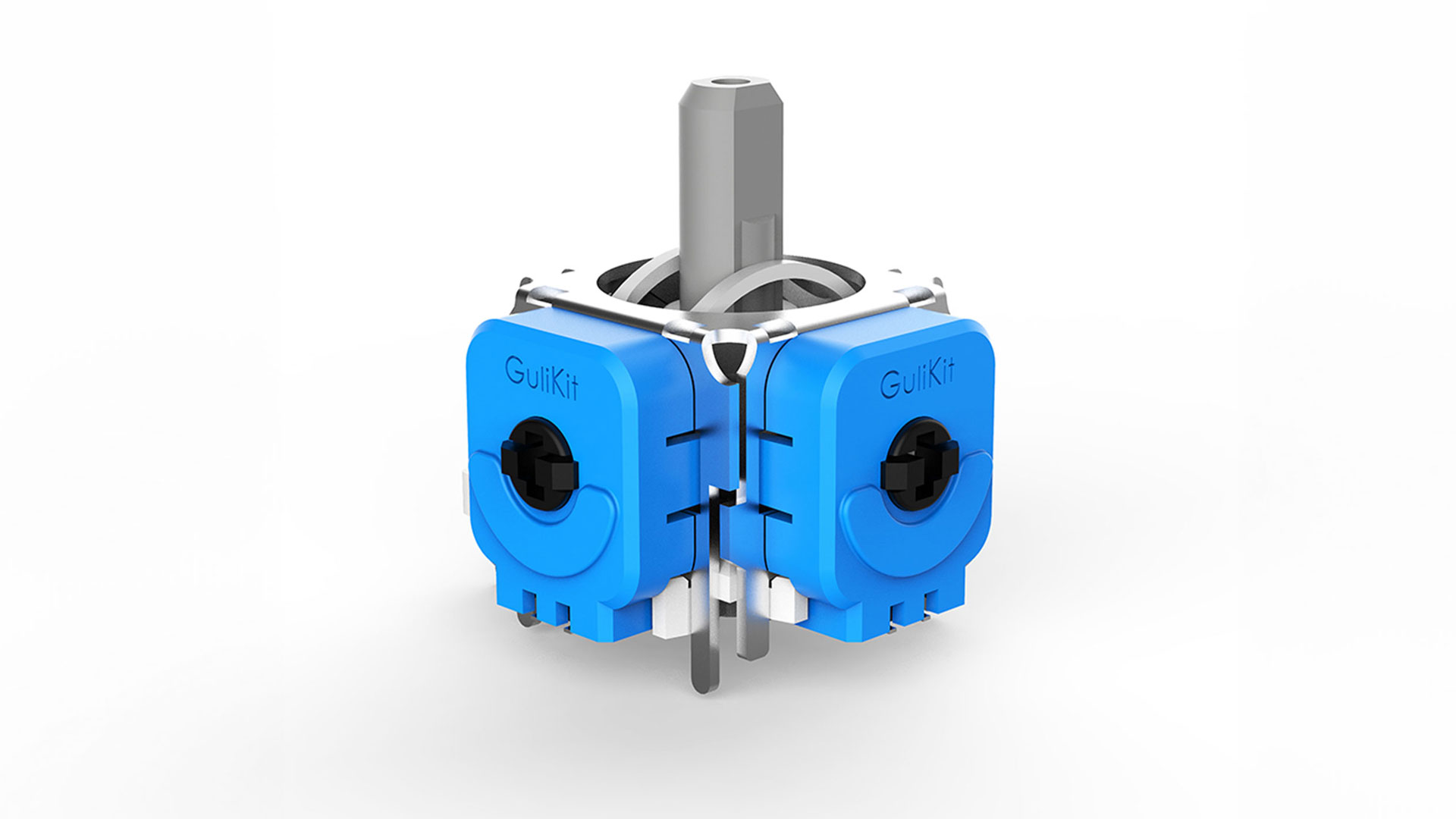
Now shipping connectors for the Wooting 60HE, 60HE v2 and Wooting Two HE. Preorders are open for the SteelSeries Apex Pro series and Razer Huntsman V3 series. The Mimic also works with any keyboard without a connector.

With click-to-move, your mouse has to move your champion and aim your abilities. The Mimic puts movement on your thumb, so your mouse is free for attacks and skillshots. Back away from a fight while your cursor stays locked on your target.
hardware overview


We break down tip grip, Drum Binds, and real-world biomechanics, share setups, and iterate together. Come learn, share what you discover, and help shape what comes next.
Share a picture of your Mimic setup and receive a free reWASD Basic lifetime license.
we have answers
We are shipping to the United States and Canada only right now with plans to ship internationally very soon. Hit us up on discord if you need special shipping overseas.
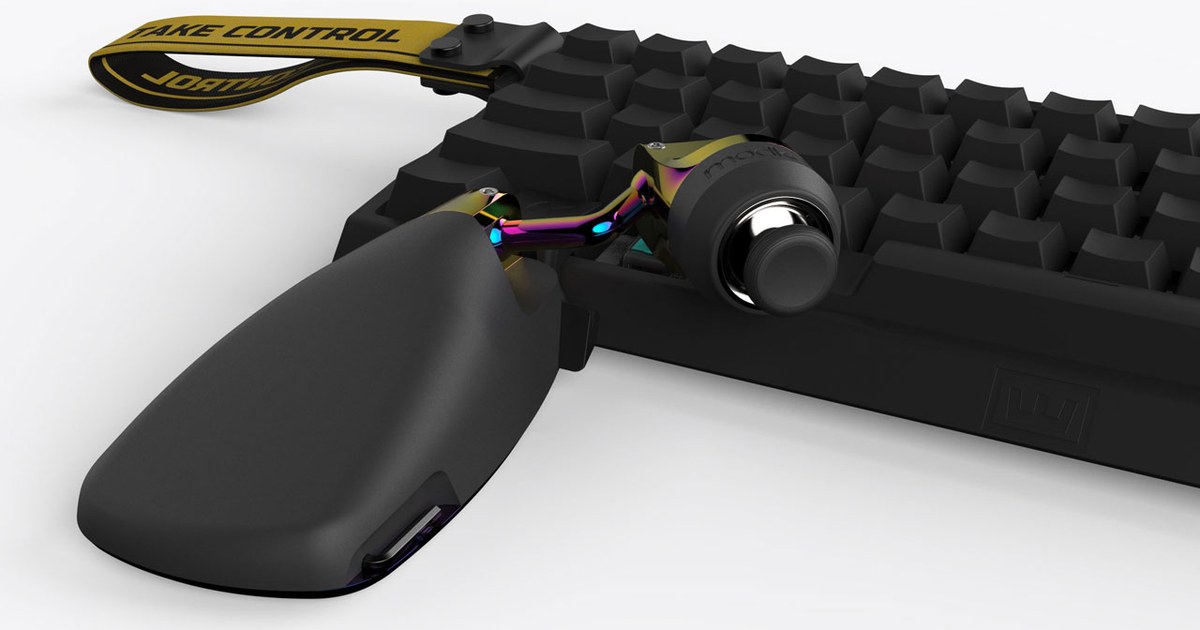
The Mimic attaches to your keyboard with a patented, model-specific connector.
Shipping now:
Available for preorder:
If you order for a SteelSeries or Razer keyboard, your Mimic ships right away with the Wooting connector and your SteelSeries or Razer connector follows free as soon as it's ready. There's no need to wait, because the Mimic is fully usable without one.
Some players even make their own connectors, whether they 3D print them or build them another way. Sly Jack built one that mounts his Mimic on the right side of his keyboard.
Don't see your keyboard? Let us know on Discord, because we're always adding support for more models.
Comfort is the reason the Mimic exists. It’s built to feel like gripping a controller right over your keyboard, and it adapts to your hand in a way no other gaming peripheral can:
No. On a supported Wooting, Razer or SteelSeries keyboard, the Mimic locks into our patented connector. It holds steady through fast flicks and intense fights, with no wobble, no drift and no adjusting mid-game. You set it once for tip grip and it stays there.
Yes. The Mimic presents itself as a standard XInput controller, with no macros, automation or input manipulation. We intentionally left key remapping out of the Mimic’s firmware and web utility, so it stays within Fortnite’s competitive rules.
In Fortnite, you just turn on “Lock Input Method as Mouse,” the game’s own setting for using a controller stick with keyboard and mouse. You don’t get controller aim assist. It’s the same as the left stick on a controller, right over your keyboard.
The Mimic works out of the box with PC games that support native 360° movement alongside mouse input, such as Fortnite, Call of Duty, League of Legends and Valheim.
For all other games the Mimic can be remapped to replace WASD using reWASD.
No. The Mimic is a standard XInput device and works immediately when you plug it in and change League's settings to WASD mode. There are no proprietary drivers, required software, or background services.
An optional Web Utility is available through our Discord if you want to adjust settings such as forward direction, calibration, strafe angles, dead zones, or sensitivity curves. The Mimic’s default settings are optimized out of the box for competitive League.
League's WASD mode takes over W, plus the A, S and D keys League uses by default for attack-move, stop and your first summoner spell, so your binds have to move. With the Mimic, movement lives on your thumb and every ability and spell stays exactly where your fingers know it.
Joystick movement is new to League, so you get to start with the right habits. The Mimic is built to keep your thumb naturally bent, with the tip centered on top of the stick. That's how joysticks were designed to be used. We call it our two rules of thumb:
Most players don't realize how much control they've been missing until they feel it. Once your thumb works the way it's built to, your movement gets more accurate and you'll find yourself dodging, spacing and kiting in ways you couldn't before.