The Mimic gives your left hand a real controller grip right on top of your keyboard, so your character moves with your thumb and W, A, S and D are free to keybind for your spells and abilities.
$189 · Lifetime warranty · 30-day fit or return
Join our DiscordThe Mimic is built on a weighted zinc alloy base, so it rests solidly on your desk without budging.
Want it locked on? Optional connectors clip the Mimic right onto your keyboard. They're shipping now for the Wooting 60HE, 60HE v2 and Wooting Two HE, with preorders open for the SteelSeries Apex Pro and Razer Huntsman V3 series.
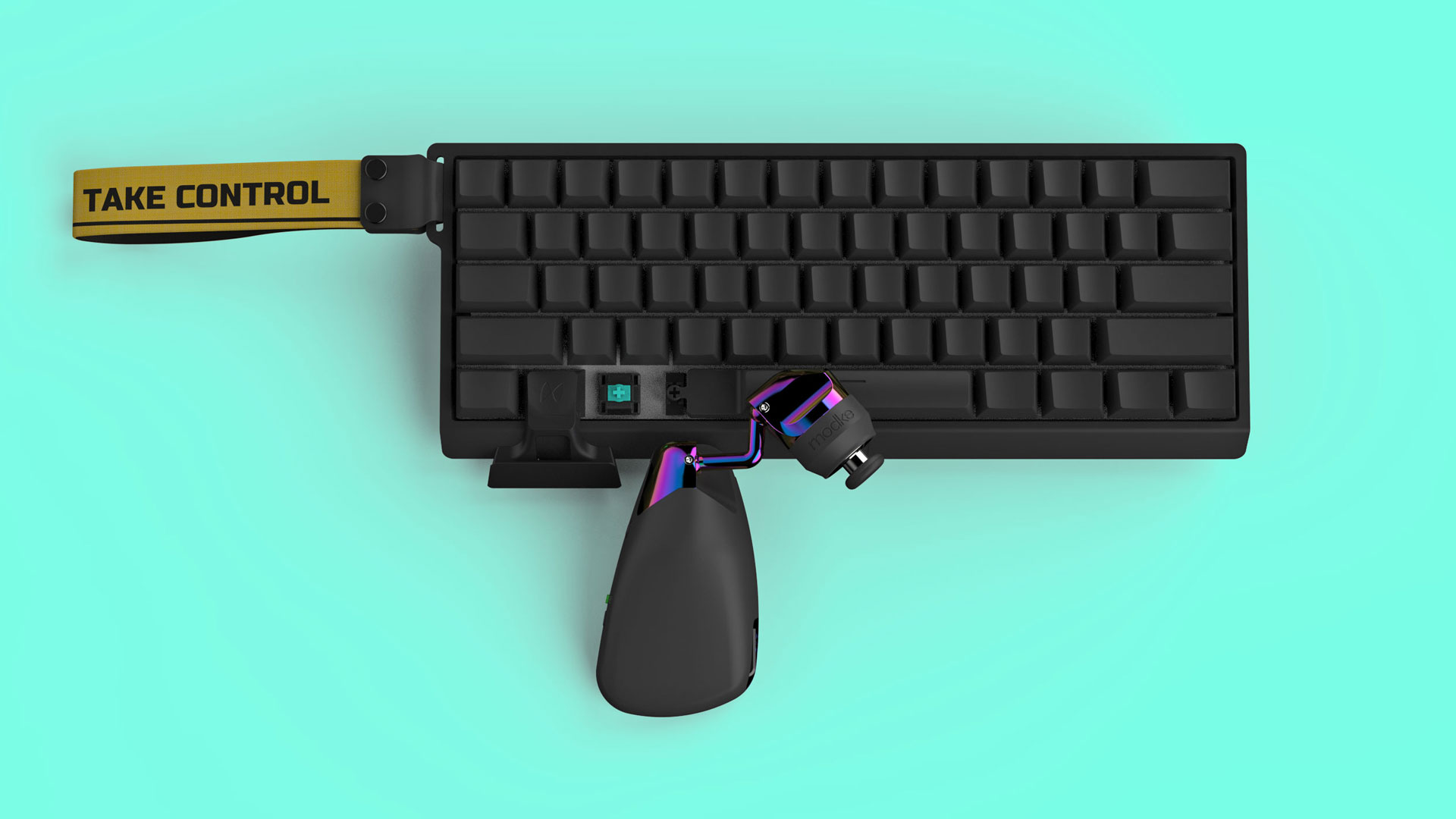
No drivers or software to install. Plug it in, adjust it until you have tip grip, and log in. WoW Forever recognizes the Mimic as a controller.
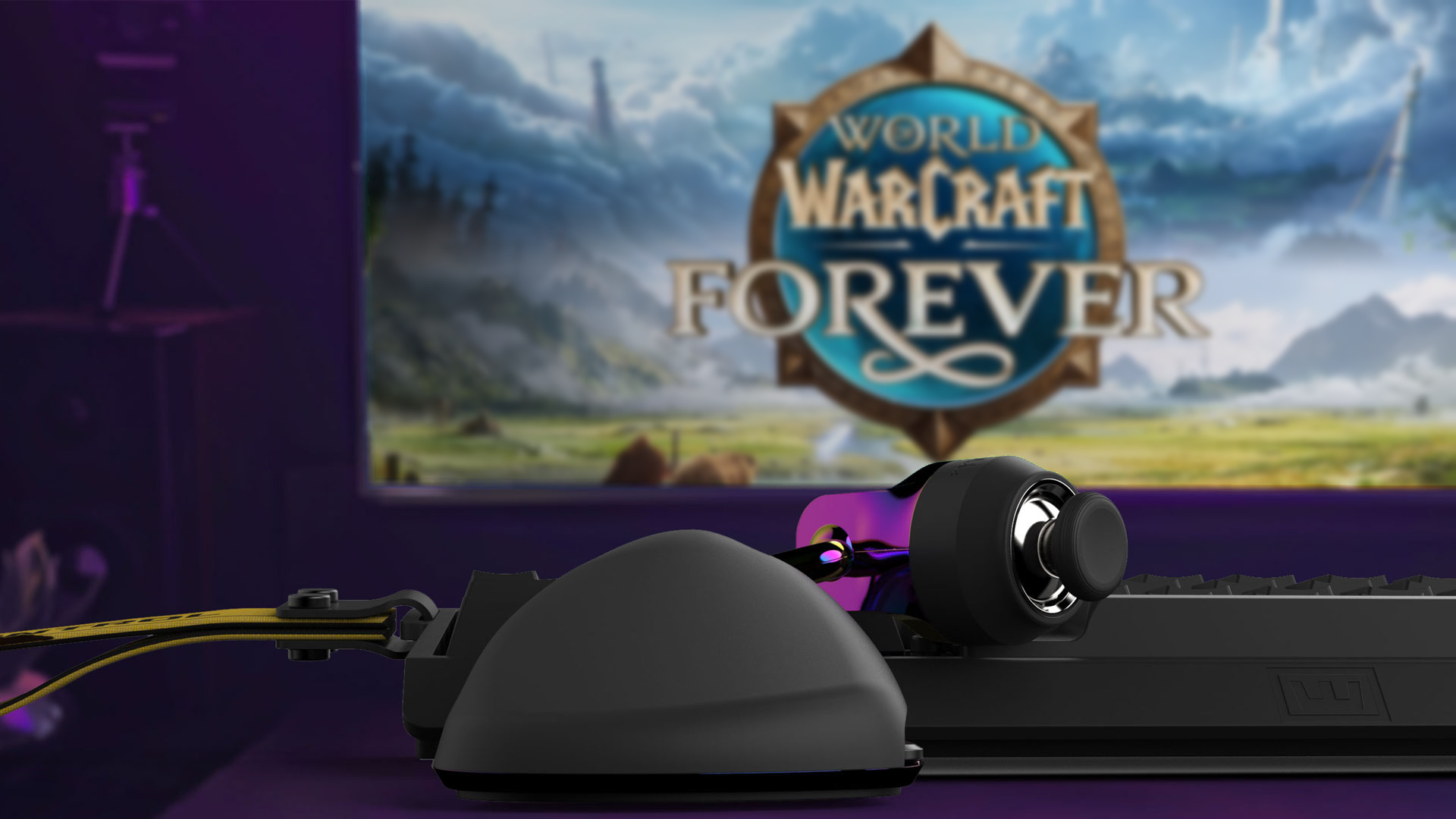
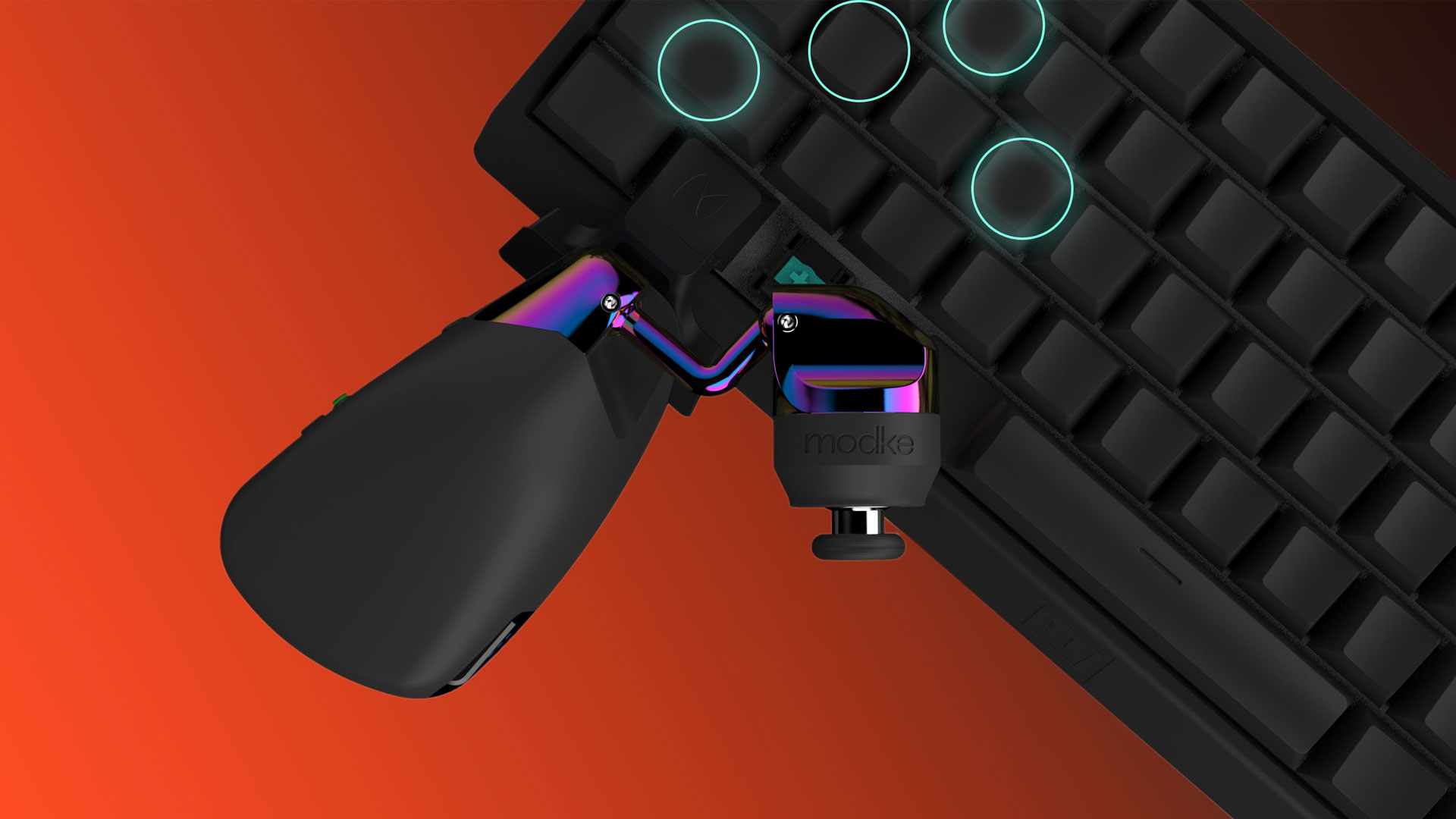
With movement on your thumb, W, A, S and D become four free keybinds right under your fingers. Put the spells and abilities you reach for most where you can hit them without ever looking down.
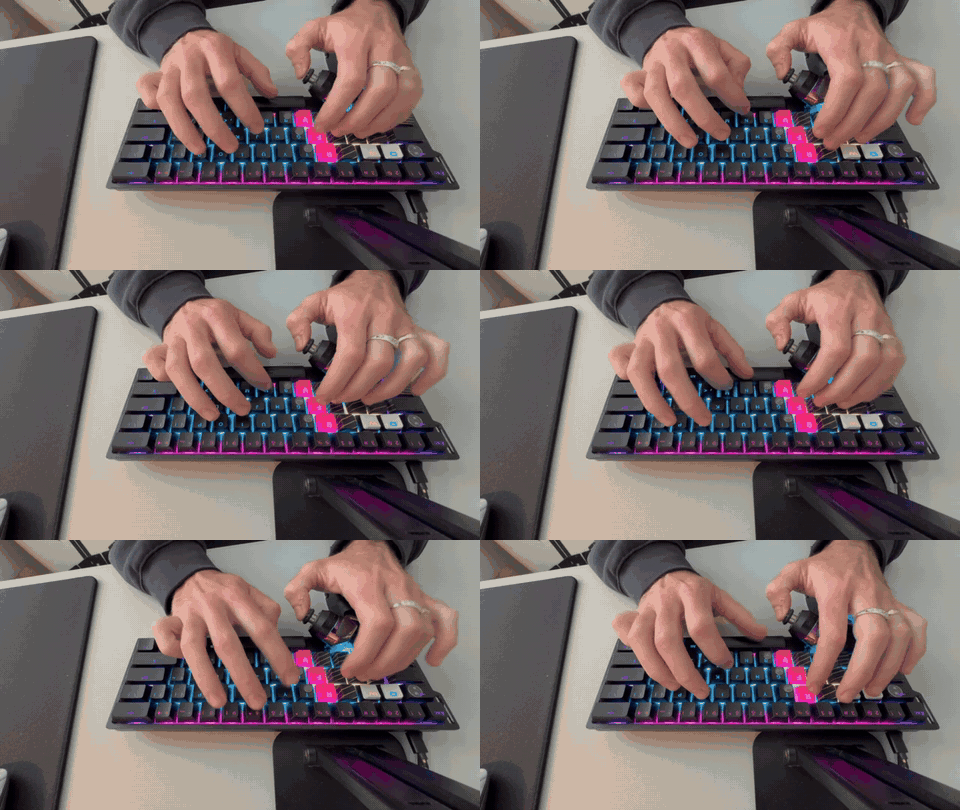
WoW is a social game, and the Mimic's palm rest was designed for typing too. Your hand rests on it the same way whether you're steering your character or typing in guild chat, so you can keep moving with your thumb, answer a whisper and never reposition your hand.
Movement in WoW lives in small adjustments: strafing out of a cleave, stepping back from a fire patch, staying in range of your healer. The Mimic hovers wherever your thumb wants it, so the tip of your thumb sits right on the stick for full control over every step. Here's why thumb position matters. Get tip grip or return it within 30 days for a full refund.

GuliKit hall-effect thumbsticks use contactless sensors to deliver long-term precision without stick drift. The thumbcaps are interchangeable and include Corepad PXP grip material, letting you fine-tune feel and traction to your preference.
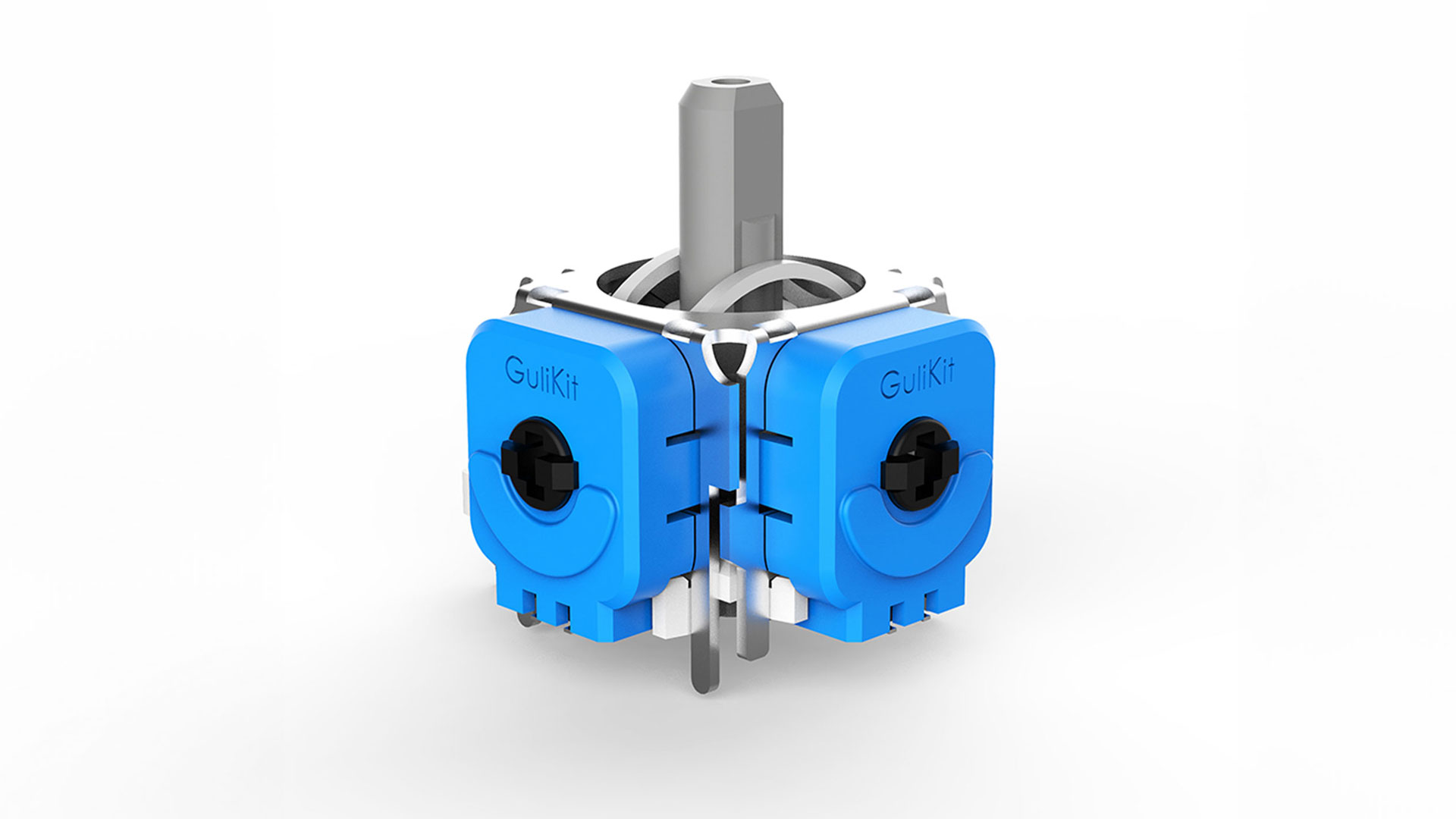
hardware overview


Get your questions answered and talk with other Mimic players getting ready for WoW Forever. Discord members get free shipping on their Mimic, so come chat with us.
Join the conversation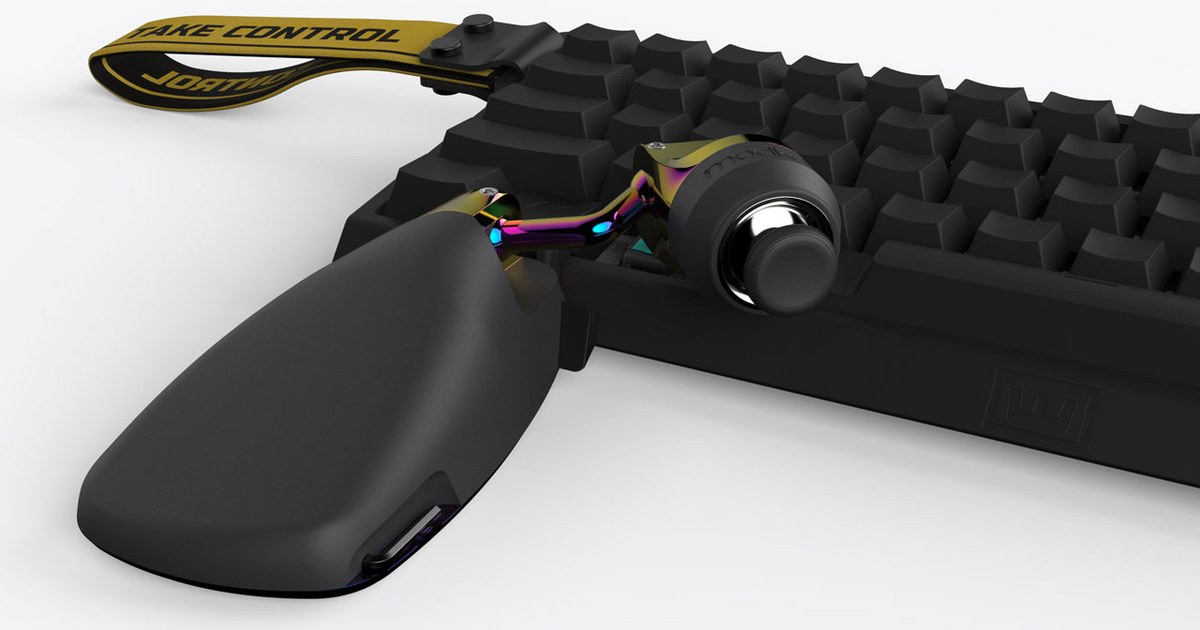
we have answers
Yes. WoW Forever has full gamepad support and sees the Mimic as an Xbox controller, so your character's movement goes straight to the stick while your mouse handles the camera.
Only if you want to. Your existing binds stay exactly where they are, and W, A, S and D become free keys you can bind to whatever you reach for most.
The Mimic works with any keyboard. On supported keyboards, it locks on with a patented, model-specific connector.
Shipping now:
Available for preorder:
If you order for a SteelSeries or Razer keyboard, your Mimic ships right away with the Wooting connector and your SteelSeries or Razer connector follows free as soon as it's ready. There's no need to wait, because the Mimic is fully usable without one.
Comfort is the reason the Mimic exists. It’s built to feel like gripping a controller right over your keyboard, and it adapts to your hand in a way no other gaming peripheral can:
No. On a supported Wooting, Razer or SteelSeries keyboard, the Mimic locks into our patented connector. It holds steady through fast flicks and intense fights, with no wobble, no drift and no adjusting mid-game. You set it once for tip grip and it stays there.
On any other keyboard, the Mimic is weighted and designed to rest on your desk, and your hand keeps it locked in place between the desk, your keyboard and your palm.
Tip grip means the stick stays right under your fingerprint, even when you push it all the way forward, so your thumb tip stays in control 100% of the time, no matter what direction you’re moving.
It matters because when your controller can’t do that, it feels off, and you lose consistency and control.
If you play on a joystick or keypad, try this: push your stick all the way forward and watch your thumb.
On most keypads and under-the-keyboard mods, your thumb straightens out and your fingertip comes off the cap, so you end up pushing the stick with the pad just below your fingerprint. That’s heel grip. You may have noticed it never felt quite right, but you’ve learned to live with it over the years. It’s costing you precision and consistency, like a golfer playing with poorly fitted clubs.
The Mimic keeps your thumb bent with the tip centered on the stick. That’s how joysticks were designed to be used, and it comes down to our two rules of thumb:
Every hand is different, so the Mimic adjusts until it fits yours. Think of it as finally getting your clubs fitted.
No. The Mimic is a standard XInput device and works immediately when you plug it in. There are no proprietary drivers, required software, or background services.
An optional Web Utility is available through our Discord if you want to adjust settings such as forward direction, calibration, strafe angles, dead zones, or sensitivity curves.
Yes. The Mimic presents itself as a standard XInput controller, with no macros, automation or input manipulation. We intentionally left key remapping out of the Mimic’s firmware and web utility, so it stays within competitive rules in games like Fortnite.
In games that support a controller stick alongside keyboard and mouse, like Fortnite, World of Warcraft and League of Legends, the game simply sees the left stick of a controller, right over your keyboard. In Fortnite, just turn on “Lock Input Method as Mouse,” the game’s own setting for this, and you don’t get controller aim assist. If you compete in organized tournaments, it’s always worth checking that event’s rules for any peripheral.
We are shipping to the United States and Canada only right now with plans to ship internationally very soon. Hit us up on discord if you need special shipping overseas.
Our Discord is the best place to ask questions, share setups, and learn more about tip grip, Drum Binds, and Mimic configuration. Thinking about a Mimic? Post your questions in #general. Already have one and need a hand? Ask us in #help.
You can also reach us directly at launch@modke.com.